






Townscaper
FPS Commando Shooting Games

Papa's Cluckeria To Go!

War Robots Multiplayer Battles

Bullet Stack

Traffic Run!: Driving Game
Rusted Warfare - RTS Strategy

Cat Snack Bar : Cat Food Games
Horror Toilet Mods Minecraft

Fate/Grand Order
Rec Room - Play with friends!
Rec Room
Updated
Oct 15, 2026
Category
Game
Installs
10M+
Rating
Updated
Oct 15, 2026
Category
Game
Developer
Rec Room
Installs
10M+
Rating
Game Screenshots

Game Overview
Social Multiplayer Sandbox
Rec Room is a cross-platform social playground where players meet, play, and build together in real time 🎮. Join games, chat with friends, or create your own interactive worlds.
Creative Game Building Tools
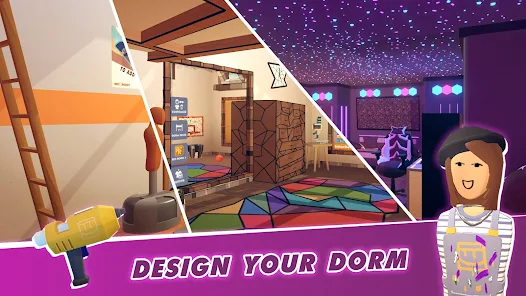
Design custom rooms, mini-games, and experiences using easy creation tools ✨. Publish your creations and share them with a global community.
Huge Variety of Activities
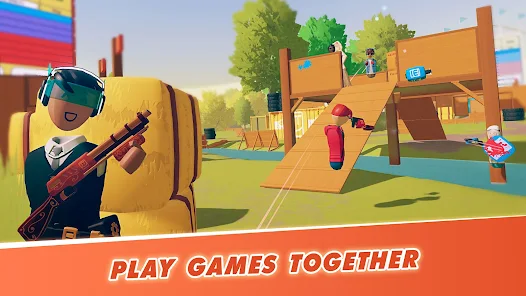
Play paintball, dodgeball, quests, and party games with millions of players 😎. Every session feels different thanks to community-made content and live interaction.
Cross-Platform Social Hub
Play on mobile, PC, console, or VR with shared progression 🚀. Friends, avatars, and creations carry across all devices.
How to Get Started
Step 1: Getting Started 🧑🤝🧑
Step 2: Create an account, customize your avatar, and enter the Rec Center to meet players and explore games.
Step 3: Sign Up and Log In
Step 4: Create a profile, set your nickname, and adjust safety settings. Link your account to save progress across devices.
Step 5: Customize Your Avatar
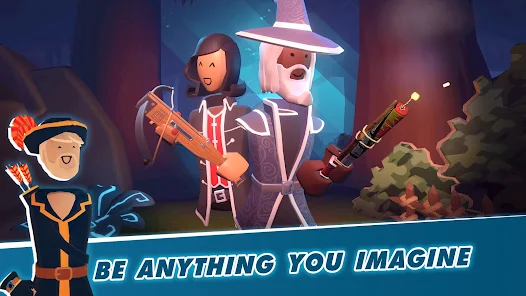
Step 6: Change outfits, hairstyles, and accessories in the mirror area 👕. Mix styles freely and save favorite looks.
Step 7: Explore the Hub
Step 8: Use doors and menus to browse featured rooms, events, and player hangouts. Join any room instantly to start playing.
Step 9: Join Activities
Step 10: Pick game modes like Paintball or Rec Royale and follow instructions once inside 🎯. Learn controls through gameplay.
Step 11: Use Social Features Safely
Step 12: Enable or mute voice chat, use emotes, and block players if needed. Adjust comfort and privacy settings anytime.
Step 13: Create Your Own Rooms
Step 14: Use the Maker Pen to build custom environments and games 🎨. Publish rooms and invite others to test and play.
Download App
More Games to Play